Overview
A Rental PO is a financial element in Flex that allows you to add items that you will be renting from a vendor. You can send the Rental PO to a vendor, then you can receive the items into your inventory directly from the Rental PO. After you are done using the items you received from a Rental PO, you can then return them to the vendor and remove them from your system.
Creating a New Rental PO
- On the Main Menu, select Projects.
- On the popup menu, select Rental POs.
- In the bottom left-hand corner, select Add New Rental PO .
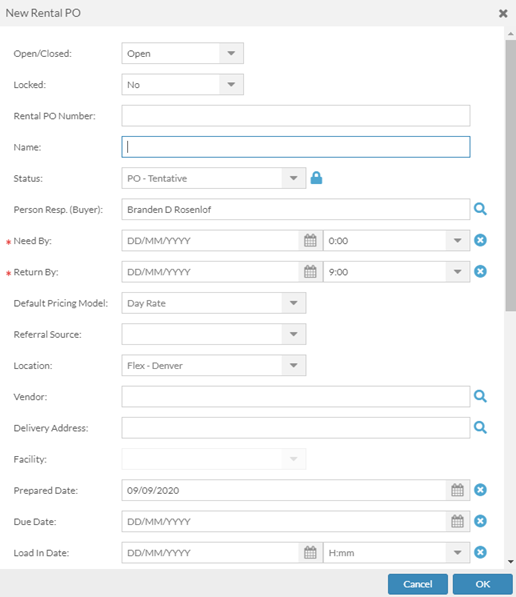
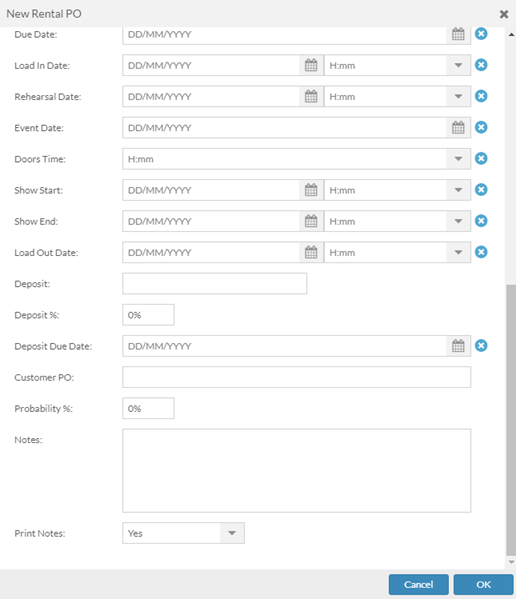
- Enter the new Rental PO information.
Editing Rental PO Information
- Double click the line to open the Rental PO that you want to edit.
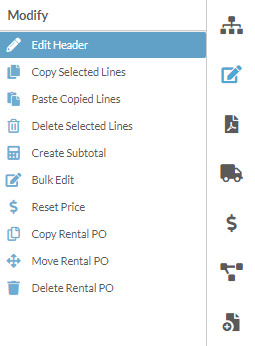
- On the right-hand Workbench Menu, click the Modify icon.
- Click Edit Header in the Workbench Menu.
- Edit the Rental PO information.
- Click OK.
Deleting a Rental PO
- Double click the line to open the Rental PO that you want to delete.
- On the right-hand Workbench Menu, click the Modify icon.
- Click on Delete Rental PO
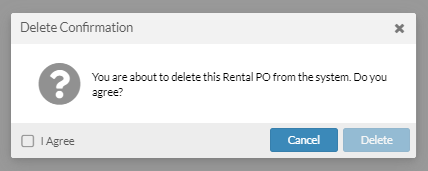
- Check the I Agree box to verify that you want to delete the Purchase PO.
- Click Delete.